
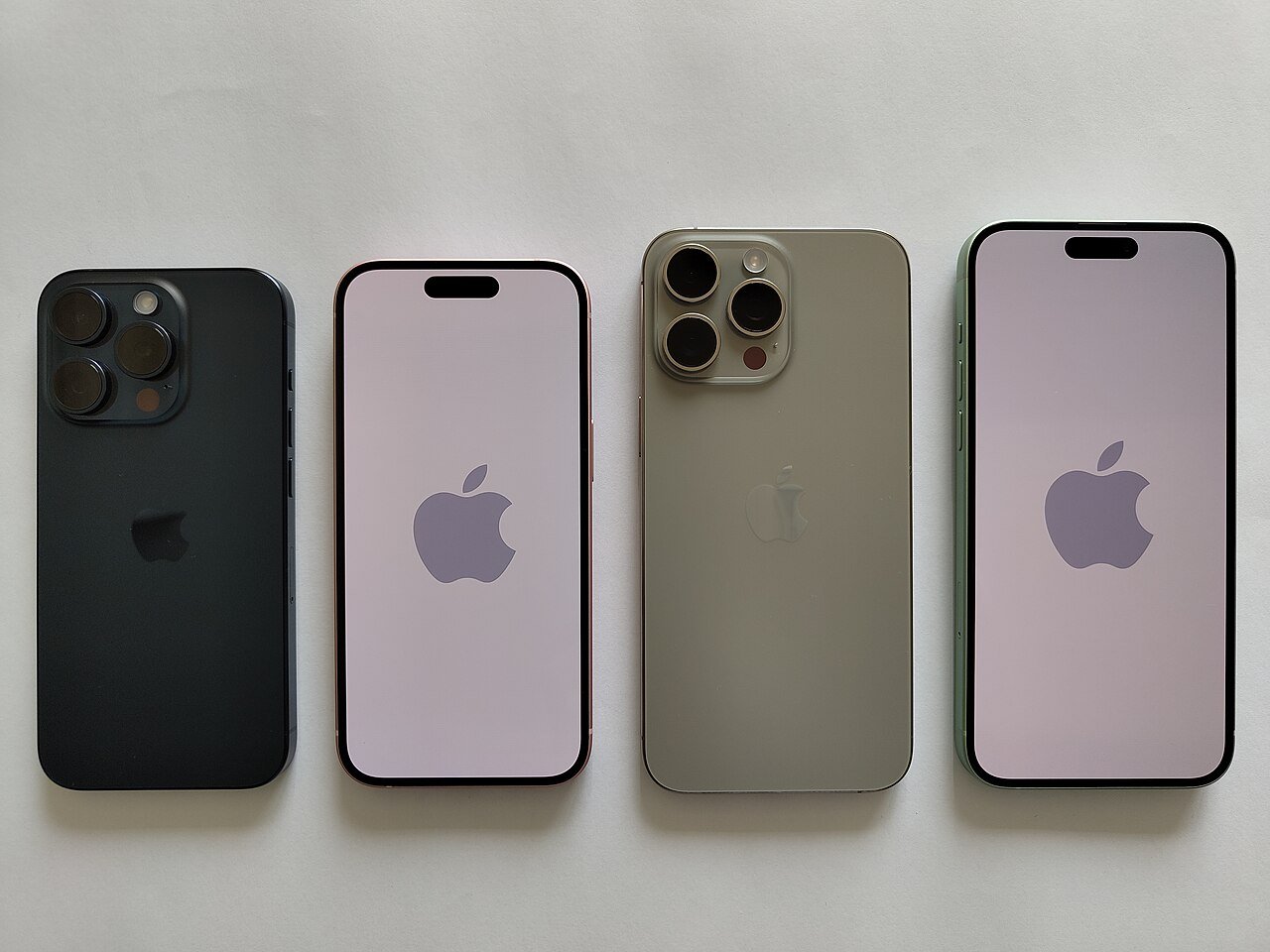
iOS 27 is here. Apple confirmed last week that its biggest iPhone software update of the year would land on Monday, September 14 – and today it begins rolling out free to every compatible model, from the iPhone 12 to the iPhone 17 Pro Max. If your phone is buzzing with an update alert, here is what is actually inside.
The headline features
Photos carry the show this year. Spatial Reframing lets you recompose a shot after taking it – reframing, expanding, or shifting the viewpoint with generative AI that fills in what was outside the original frame. Image Playground, Apple’s AI image generator, gets a photorealism upgrade plus photo-based editing, with SynthID labeling built in so AI images remain detectable.
Elsewhere: FaceTime gains Dual Capture, so you can show your face and your surroundings on the same call; Messages finally gets proper drawing via the Markup tool; widgets grow to a new near-full-screen size; Apple Cash can split a bill by pointing the camera at a receipt; and a new Ask to Browse system routes kids’ requests for new websites to parents through Messages, alongside a filter that warns about violent content.
Speed, even on older iPhones
By Apple’s own numbers, iOS 27 makes apps launch 30 percent faster, loads new photos in your library 70 percent faster, and speeds up AirDrop transfers by up to 80 percent – along with smoother automatic network switching. For anyone holding an older model, that may be the most persuasive part of the update.
The catch: Siri AI is not on today’s menu
The marquee upgrade – a generative Siri that understands personal context across Messages, Mail, Photos and Notes, reads your screen, and chains actions across apps – arrives later this year, and in English first. Reports on the release candidate also point to a standalone Siri app and CarPlay upgrades including video streaming and pinch-to-zoom maps. MacRumors notes two features will not be ready for launch day.
Before you tap install
Back up first – iCloud or computer – and do not panic if the update does not appear immediately: Apple typically releases in waves through the day. If you skipped the final iOS 26 bugfix update, install that first; it fixes a cellular download bug worth clearing before upgrading.
Sources: ZDNET; MacRumors; 9to5Mac; GizChina; Geeky Gadgets. Featured image: Apple iPhone 15 Pro, CC BY-SA 4.0, via Wikimedia Commons.